

Unlock the Power of Test System Architect
Transform your test system development with Test System Architect, our powerful, free-to-use, online graphical toolset for intuitively designing, managing and visualizing all aspects of test system switching and signal routing, with precision and efficiency. Built on a robust database, Test System Architect’s cohesive toolset reduces errors, enables collaboration, and accelerates signal path design from concept to deployment.
With Test System Architect, securely store designs in the cloud, collaborate with colleagues, and work directly with Pickering engineers through the integrated project manager. The platform integrates previously released tools, including the Cable Design Tool and Microwave Switch Design Tool.
Advanced Toolset for Comprehensive Signal Path Design
Test System Architect Videos
Quick overview and workflow demonstrations showing system configuration, schematic design, and cable generation in Test System Architect.
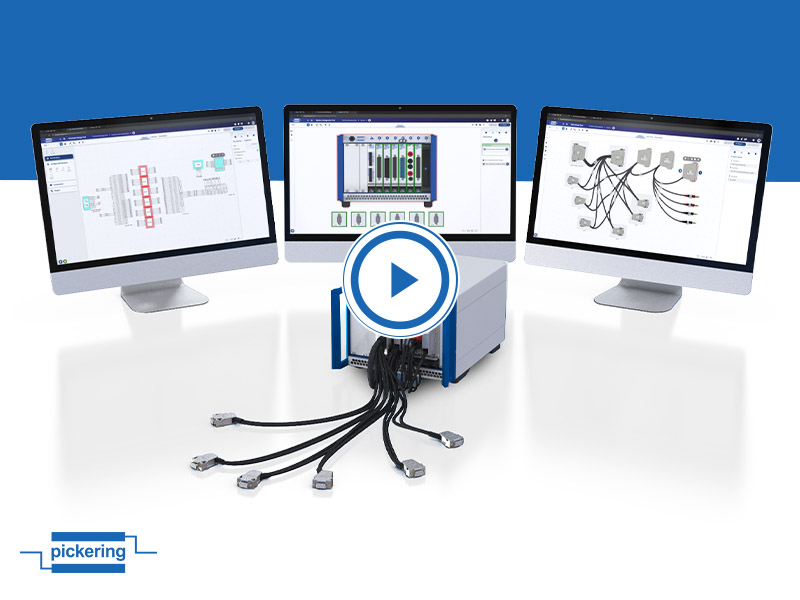 Test System Architect Online Toolset Overview
Learn how the toolset helps engineers, from initial system concept to chassis configuration and cable design.
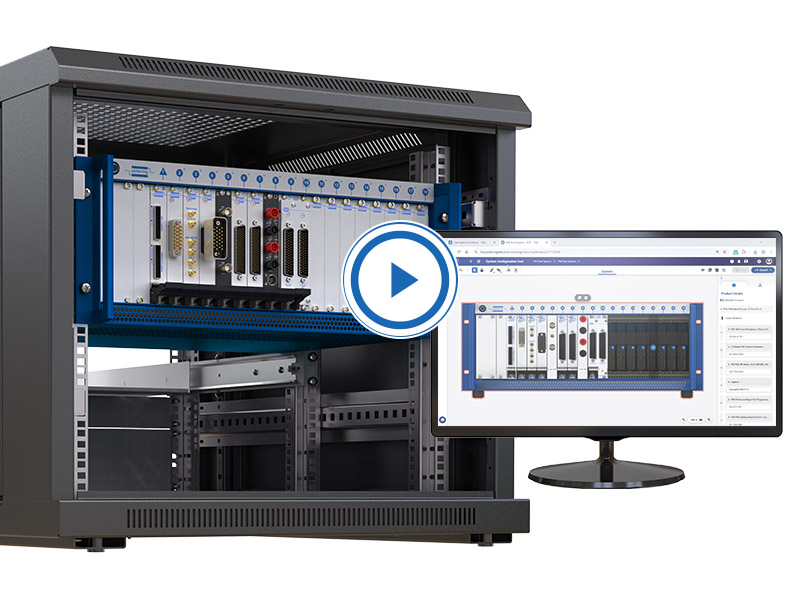 Design ATE Signal Paths with Test System Architect
See how the tools simplify signal path design by automating component selection and cable generation, reducing design time by 25%.
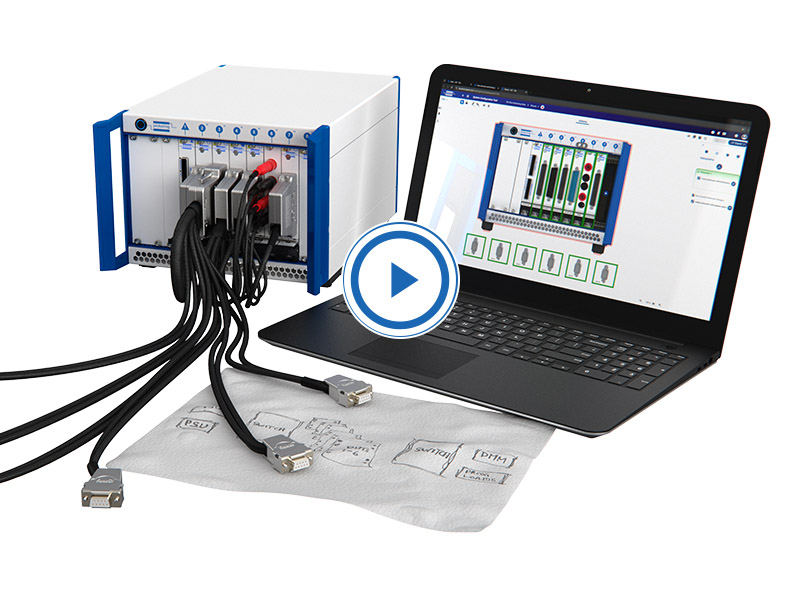 Sketch to Configured System in Minutes
See how the tool streamlines the transition from a basic test system sketch to a fully configure PXI chassis
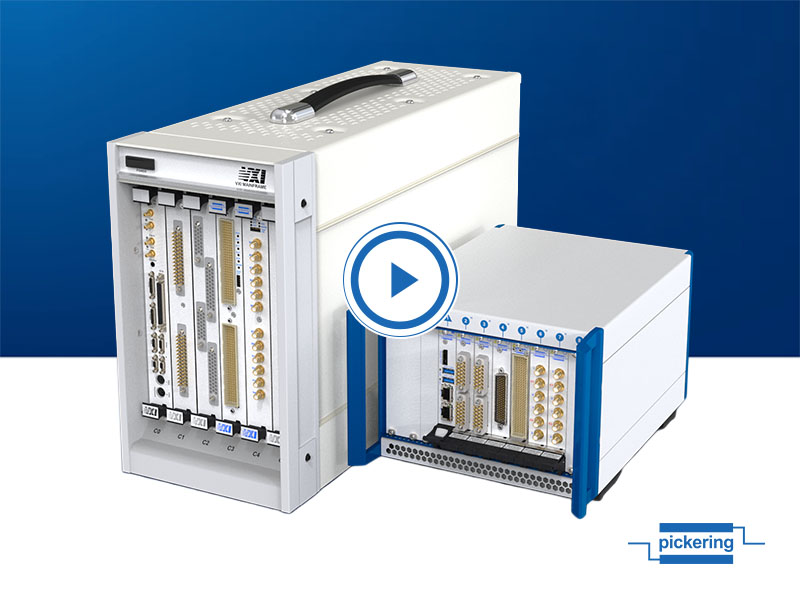 Simplify VXI to PXI Migration with Test System Architect
Identify equivalent PXI modules, optimize signal paths, and automatically create schematics, wiring, and system documentation
Enhance Collaboration and Project Management
Direct Engineering Communication: Share designs and collaborate directly with colleagues and Pickering engineers through integrated messaging and project management tools for technical guidance and design optimization.
Secure Cloud Storage: Safely store designs with version control and complete revision history tracking for project continuity and design integrity.
Documentation: Automatically create datasheets, BOMs, documentation, and images to share internally or with Pickering engineers.
System Configuration Tool
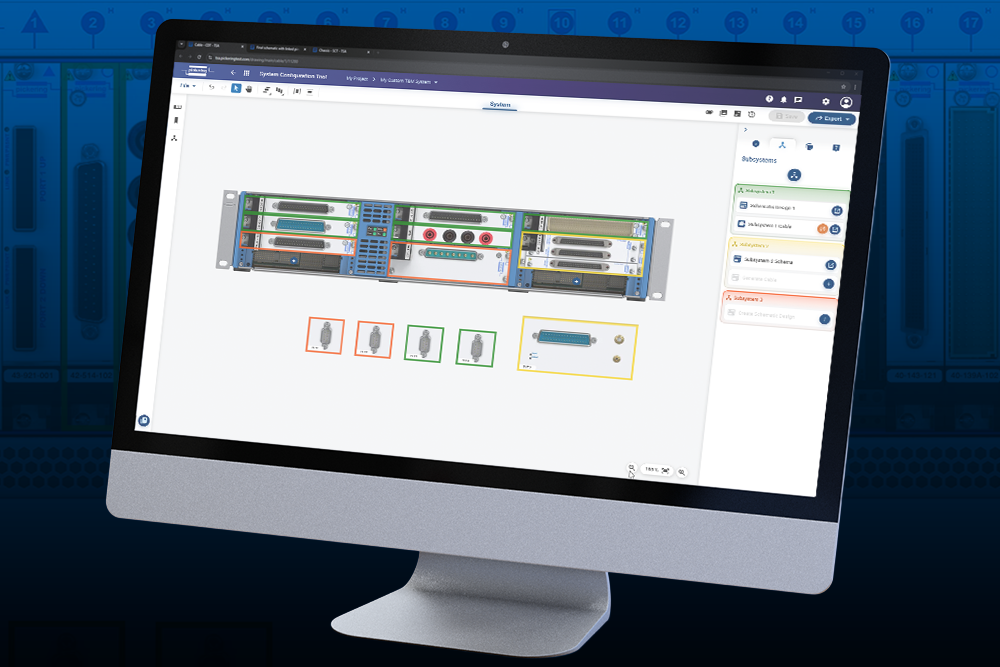
- Select appropriate PXI, PXIe hybrid, and LXI/USB chassis, along with the necessary switching, simulation, and instrumentation modules.
- Add modeled Devices-Under-Test (DUTs) to align with your specific system requirements.
- Enhance your workflow by visualizing the system and enabling seamless integration with the Schematic Design Tool for automated cable creation.
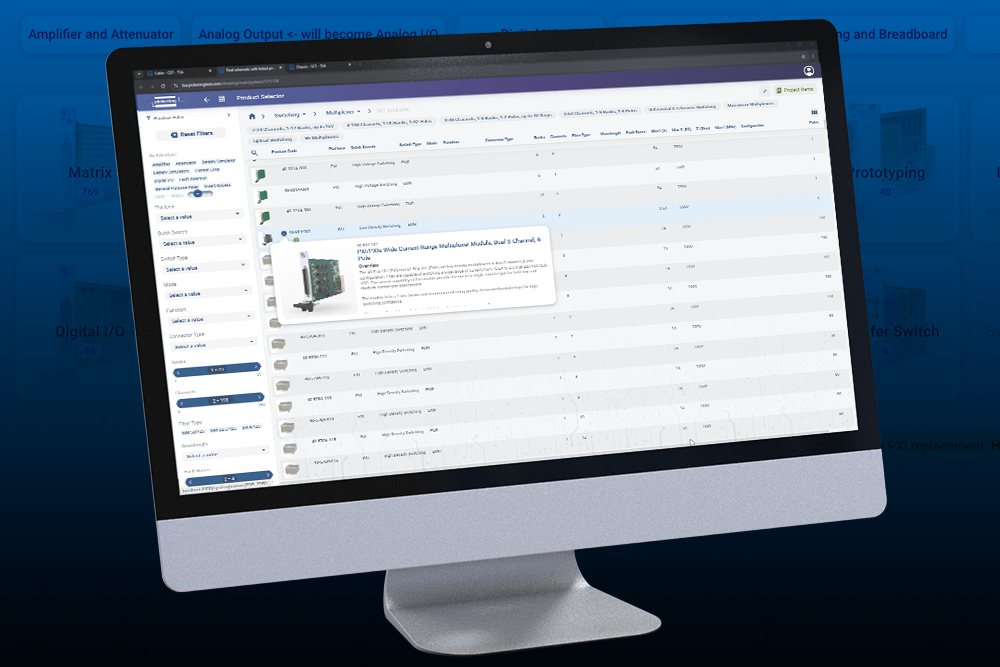
- Use the Product Selector to access a comprehensive database via specification filters, allowing you to quickly select the required products to incorporate into your design.

Schematic Design Tool
- Quickly create detailed hierarchical signal schematics for automated test systems and sub-systems.
- Seamlessly introduce any of our switching, simulation and instrumentation modules.
- Incorporate 3rd-party instruments and Devices Under Test, graphically add all required interconnections and enable automated cable design for streamlined workflow execution.
- Use the Product Selector to access a comprehensive database via specification filters, enabling you to select the required products quickly.
Cable Design Tool
- Automate the design of high-performance cable assemblies to exactly meet your specific needs, ensuring optimal test system reliability and signal integrity.
- Access comprehensive connector, backshell, and wire libraries and utilize simplified connector pin-linking to accelerate the creation of any cable configuration, regardless of complexity.
- Store cable assemblies in the Cloud and develop over time.
- Generate documentation (PDF, SVG, etc.) with all specifications, ensuring users have complete access to their data

Product Selector
- Access the comprehensive database via specification filters
- Select the required products quickly to incorporate into the Schematic Design and System Configuration Tools.
Microwave Switch Design Tool
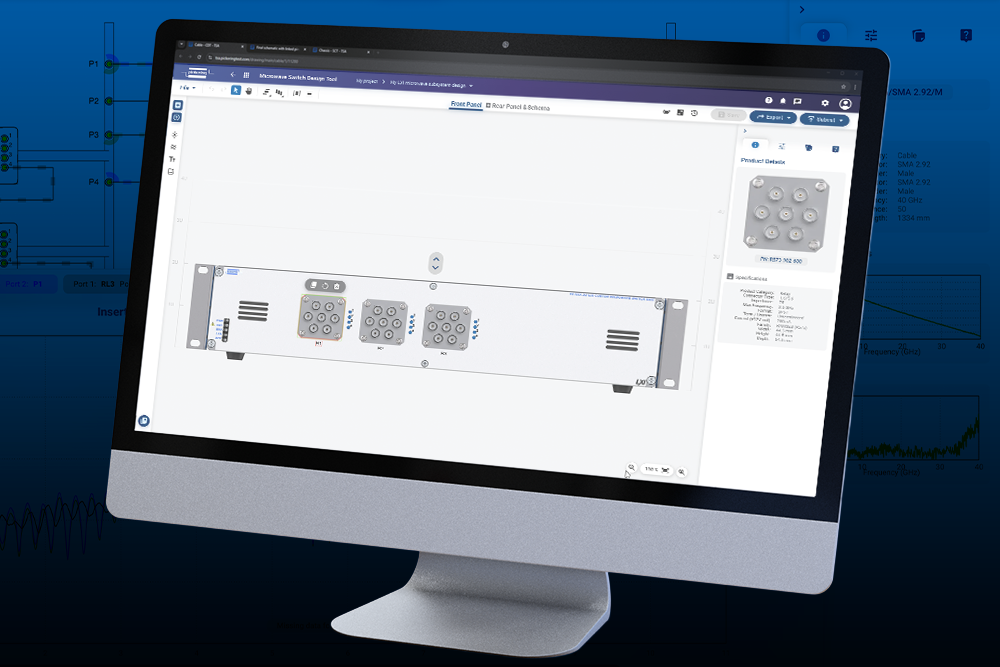
- Configure PXI, PXIe and LXI microwave switching systems, create complex microwave signal routing and conditioning schematics, select optimal components, and simulate signal path RF characteristics to accurately predict system performance before hardware commitment.
- Specify various microwave components, including relays, attenuators, connectors, and cables, with options for custom labeling and documentation.
- Store uWave designs in the cloud, share with colleagues, collaborate with Pickering engineers, and evaluate system performance through simulation before manufacturing.
Start Designing Your Test System Architecture Today
Experience the efficiency of integrated test system switching and signal routing with Test System Architect's comprehensive toolset and expert engineering support.
Want to talk with one of our team about Test System Architect? Contact us here.


